01
Stabilize the scan
Clean common blur, compression noise, and weak contrast from old exports and phone rescans.


New email addresses go straight to sign-up.
Bring back clarity, contrast, and texture from scanned prints, faded albums, and low-resolution family portraits in one workflow.
Best for archives and family albums
Use it on yellowed prints, soft scans, and compressed portraits when you need cleaner detail before sharing, saving, or reprinting.
AI restoration workflow
Upload one old photo and let the system rebuild detail, reduce noise, and improve legibility.
Дарж, чирж эсвэл хуулж тавьж зураг оруулна уу. Олон зураг оруулж болно
PNG, JPG, WebP форматыг дэмжинэ

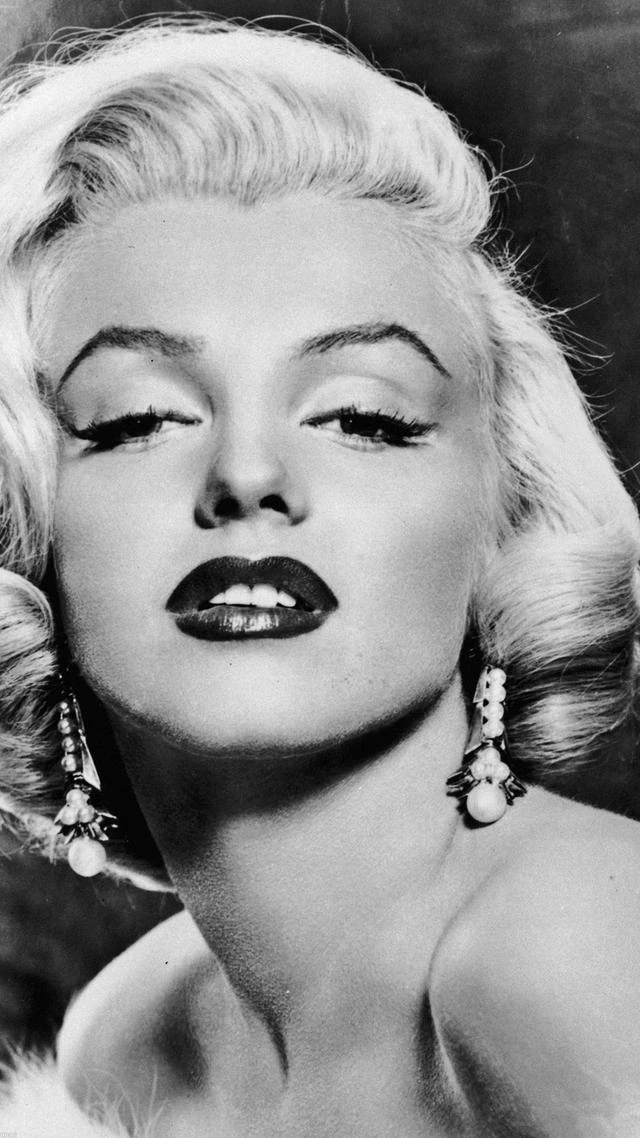
The page is tuned for damaged or low-quality photos, not just generic sharpening.
01
Clean common blur, compression noise, and weak contrast from old exports and phone rescans.
02
Reconstruct faces, clothing edges, and scene structure where age and low resolution erased visual cues.
03
Output a cleaner, higher-clarity version suitable for digital archiving, social sharing, or reprint workflows.
Unlike a generic enhancer page, this route is positioned for archival and sentimental photos, with copy and search intent matched to restoration use cases.
Useful when the original image has lost edge definition in eyes, hair, clothing, or background objects.
Helps old prints read more clearly after scanning, especially when highlights look washed out or shadows collapse.
A practical step before organizing family archives, creating memorial slideshows, or preparing prints for restoration projects.
Scanned prints, family portraits, blurry album photos, and images with mild fading or low detail are the best fit.
No. The page is framed as restoration, so it aims to improve overall readability, not just add edge contrast.
Yes. It is suitable for recovering photos before organizing family albums, memorial collections, or reprint-ready files.